Core component
Image
Image is the default component for accessible image loading with native browser attributes and package-level polish.
Responsive image
Pass numeric dimensions for stable layout and native width/height attributes. Add srcSet and sizes when multiple asset widths are available.
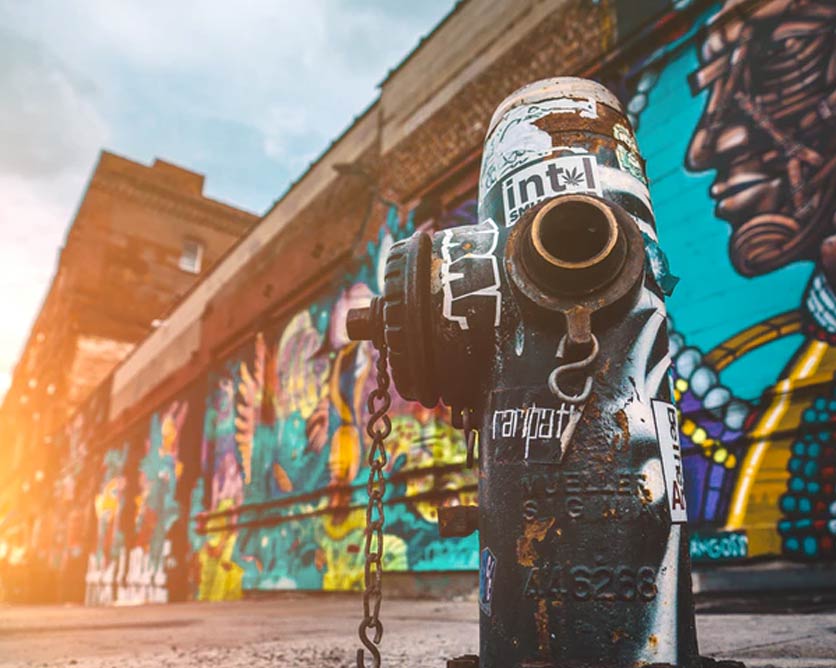
Drag the corner: the layout stays stable while the image scales.
const srcSet = createSrcSet({
  src: '/images/home/feature1.jpg',
  widths: [480, 800, 1200],
  quality: 82
})

<Image
  src="/images/home/feature1.jpg"
  alt="Mountain sunrise"
  width={1200}
  height={800}
  srcSet={srcSet}
  sizes="(max-width: 768px) 100vw, 50vw"
  placeholder="skeleton"
/>
Placeholders
Use skeleton, blur, color, empty, a React node, or a renderPlaceholder function. The default skeleton is layered and themeable, and blur now uses the final image as the blurred preview when no blurDataURL is supplied.

<Image
  src="/images/home/feature3.jpg"
  alt="Placeholder demo"
  width={1080}
  height={720}
  placeholder="skeleton"
  fadeType="blur-in"
/>
Try the full demo
Open the focused Image fade lab playground for the wider controls and live output.